


Keep Every Stage of Your Inventory Process Connected

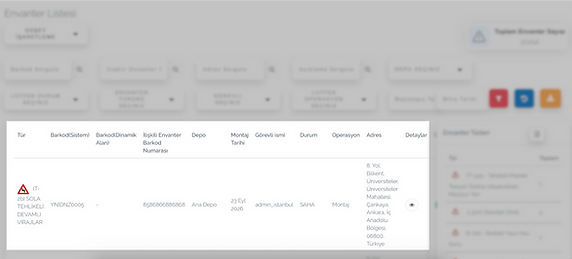
Digitize the process from registering inventory and using it in the field to assigning items and generating reports.

Build an Inventory Structure That Fits Your Operation
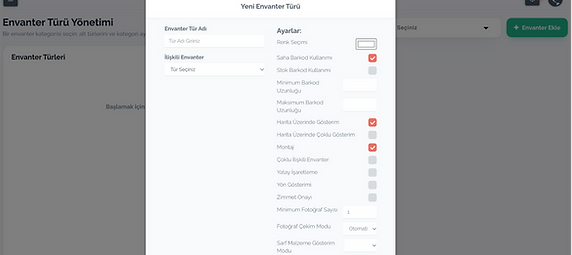
Customize inventory types, icons, information fields, and record requirements according to your operational needs.

Continue Working Offline
Use offline mode to maintain inventory records and field activities in areas without an internet connection.

Add Markings to the Map
Create and update horizontal and vertical markings as points or drawings directly on the map.

Report Inventory Data
Generate reports containing inventory location, status, transaction history, photos, and latest inspection information.

Track Consumable Materials
Record screws, paint, and other consumables using units such as pieces, centimetres, kilograms, or litres.

Assign Inventory to Employees
Assign barcoded or non-barcoded inventory to employees individually or in bulk.
Explore Pintask’s
Inventory Management Features
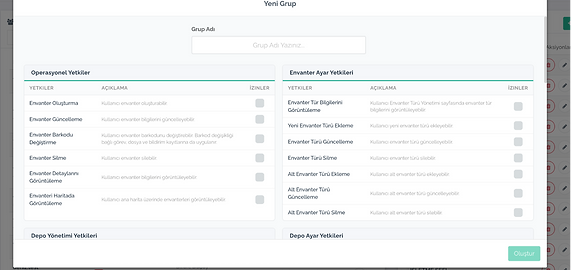
See how Pintask supports inventory and consumable records, field marking, assignments, permissions, reporting, and warehouse organization.
Manage Inventory Transfers
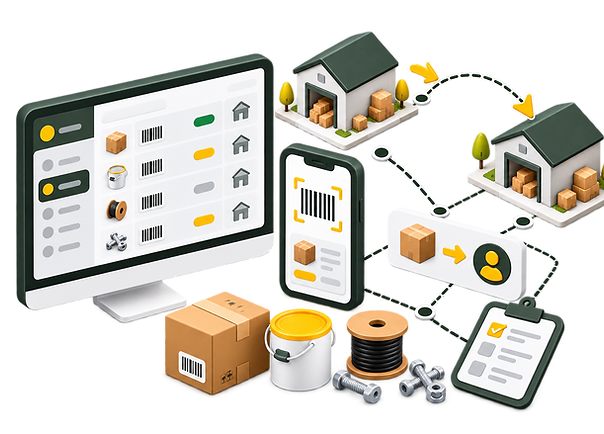
Transfer inventory from warehouses to employees, from employees back to warehouses, between warehouses, or between employees. Keep every transfer transaction recorded in the same system.


.png)

.png)
.png)



10,000 Field Assets Digitized with Pintask
in Batman
Batman Municipality’s Transportation Services Department transferred traffic signs, road markings, and other field assets to Pintask together with their locations and current conditions. Using the mobile application, field teams digitally registered nearly 10,000 assets in approximately two months.
10.000
Field assets registered
2 Months
Digitization period


